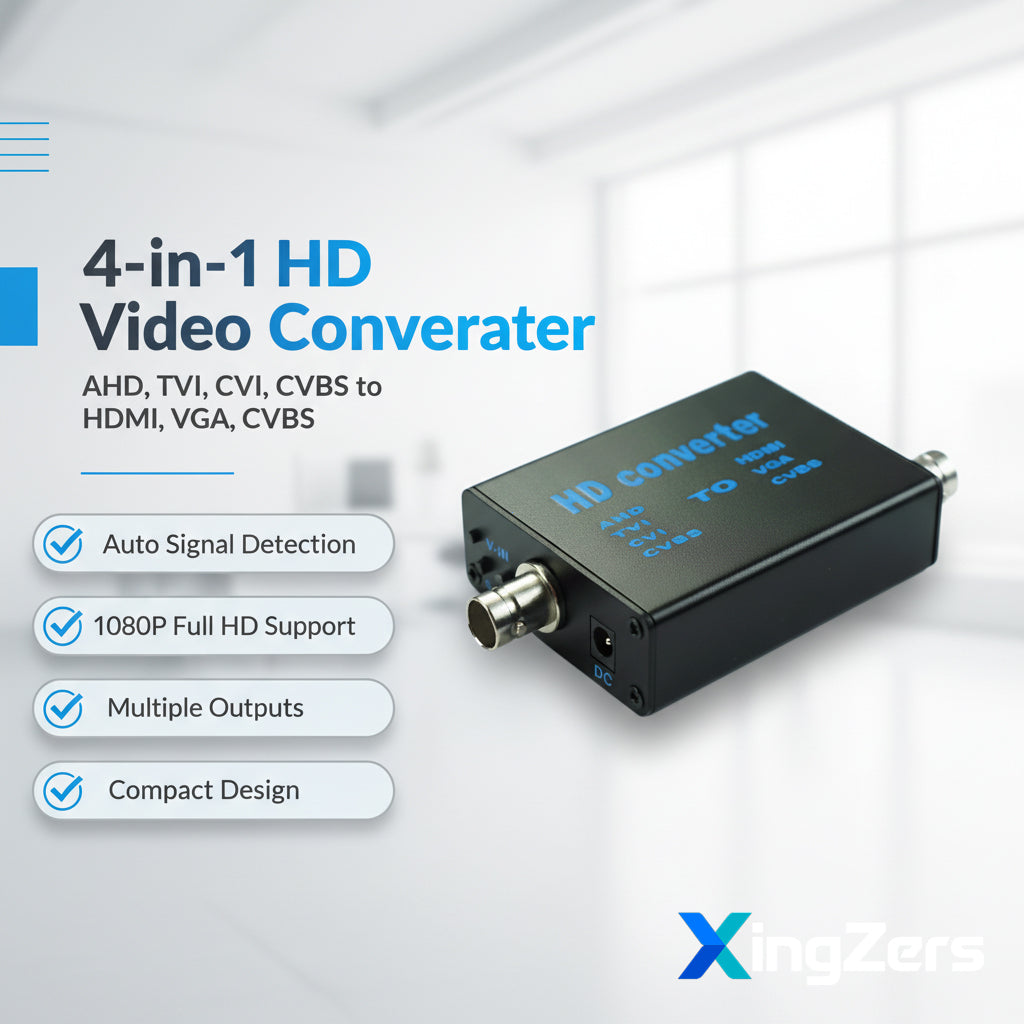
XingZers 4-in-1 AHD TVI CVI CVBS to HDMI VGA Converter Box 1080P Plug and Play for Security Camera
XingZers 4-in-1 AHD TVI CVI CVBS to HDMI VGA Converter Box 1080P Plug and Play for Security Camera
Share
Couldn't load pickup availability
Professional 4-in-1 HD Video Signal Converter
Transform your analog and HD-CVI video signals into multiple output formats with this versatile 4-in-1 video converter. Perfect for security systems, surveillance setups, and professional AV installations, this compact device seamlessly converts AHD, TVI, CVI, and CVBS signals to HDMI, VGA, and CVBS outputs.
🎯 Key Features
• Universal Compatibility – Automatically recognizes and converts AHD, TVI, CVI, and CVBS input signals
• Multiple Output Options – Supports HDMI, VGA, and CVBS simultaneous outputs
• Full HD Support – Compatible with 1080P, 960P, 720P, and 480P resolutions
• Switchable Output – Easy button control to switch between HDMI, VGA, and CVBS displays
• Adjustable Resolution – HDMI output supports 1080P and 720P with one-button switching
• Wide Voltage Range – 5-20V DC input for versatile power supply options
• Compact Design – Ultra-small form factor (66×53×21mm) for easy installation
• Plug and Play – No software installation required, instant signal conversion
⚙️ Technical Specifications
| Specification | Details |
|---|---|
| Input Signal | AHD/TVI/CVI/CVBS (1080P/960P/720P) |
| Output Signal | HDMI/VGA/CVBS (1080P/720P) |
| Input Interface | BNC, HDMI |
| Connector Type | HDMI / VGA / CVBS |
| Power Supply | DC 5-20V (Wide Voltage) |
| Working Current | 150mA |
| Power Consumption | ≤2W |
| Dimensions | 66 × 53 × 21mm (2.6" × 2.1" × 0.8") |
| Weight | 73g (2.6 oz) |
| Color | Black |
| OEM Support | Available |
🔌 Panel Interface Definition
Front Panel:
• Button A – Output video signal switching (HDMI/VGA/CVBS)
• Button B – Resolution and format switching (720P/1080P for HDMI, PAL/NTSC for CVBS)
• V-IN – Input signal interface (AHD/TVI/CVI/CVBS)
• DC – Power input (5-20V wide voltage)
• LED Indicators – VGA signal, CVBS signal, HDMI signal, Power (red)
Rear Panel:
• V-OUT – CVBS output signal interface (NTSC/PAL)
• VGA – VGA output signal interface (external connection required)
• HDMI – HDMI output signal interface (720P/1080P)
💼 Ideal Applications
• Security and surveillance system upgrades
• CCTV camera signal conversion
• Professional AV installations
• Broadcasting and video production
• Multi-display setups
• Legacy equipment integration
💡 How to Use
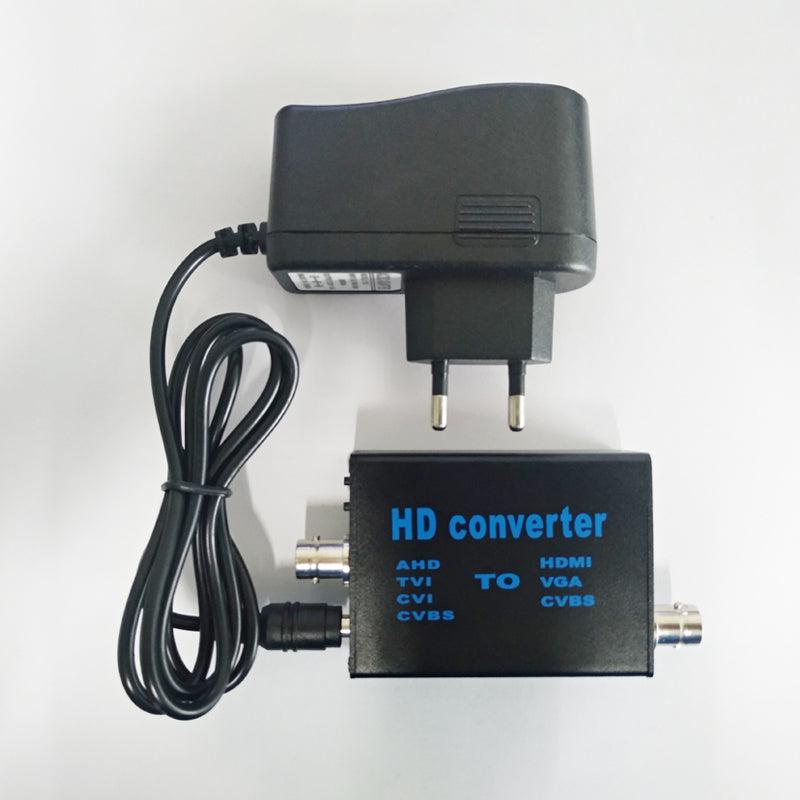
Step 1: Connect the included 12V power adapter to the DC port on the device. The red LED indicates successful power-on.
Step 2: Connect your input video signal to the V-IN port, then connect your display device to the desired output port.
Step 3: If multiple output signals are connected, press Button A on the front panel to switch between different signal displays (default: HDMI).
Step 4: When using HDMI output, press Button B to switch between resolutions (720P/1080P).
Step 5: When using CVBS output, press Button B to switch between PAL/NTSC formats.
📦 Package Contents
• 1× Main Unit (Video Converter)
• 1× 12V Power Adapter
• 1× User Manual
Note: VGA interface module and cable are sold separately. Please contact seller if VGA connectivity is required. This product features a custom-designed enclosure and is independently developed by our manufacturing partner. Module-only purchase options and custom hardware/software solutions are available upon request.